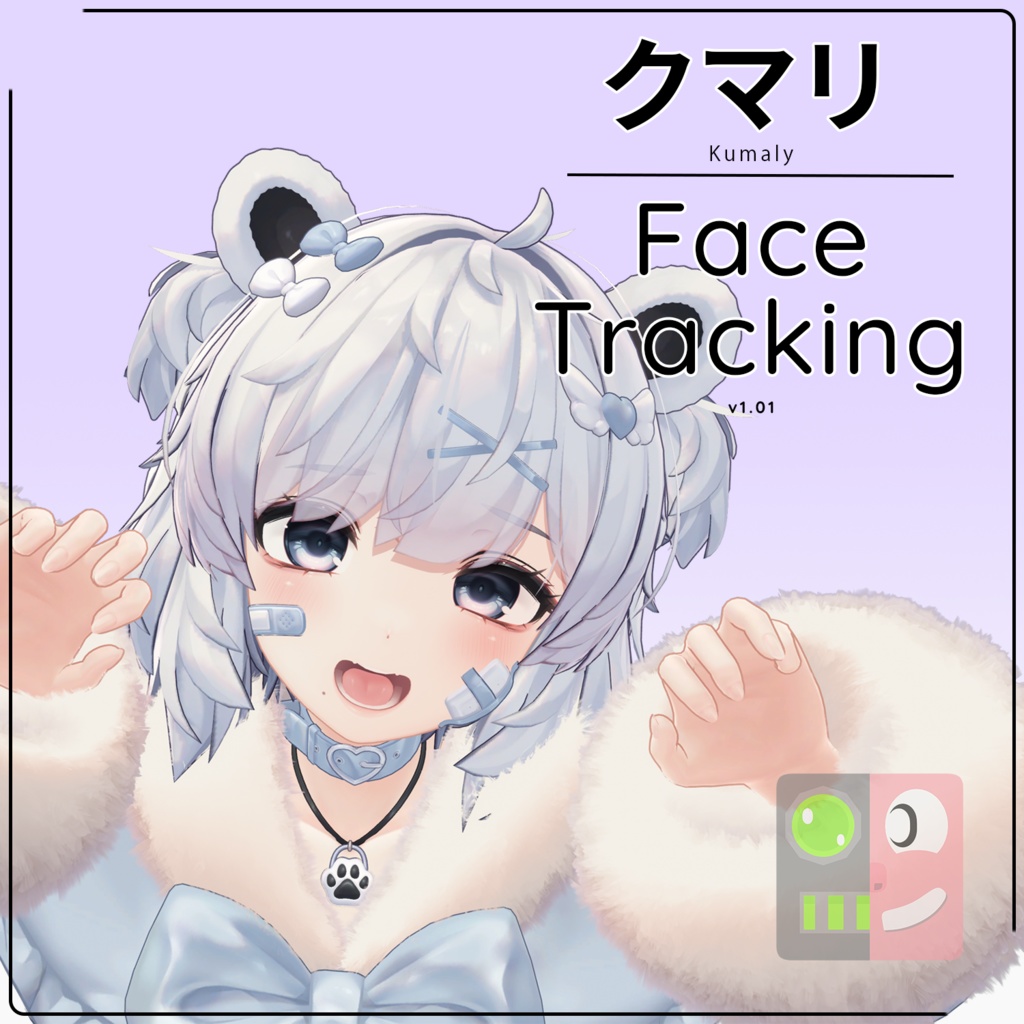


【クマリ】 Kumaly Face Tracking Module
- ダウンロード商品¥ 1,200
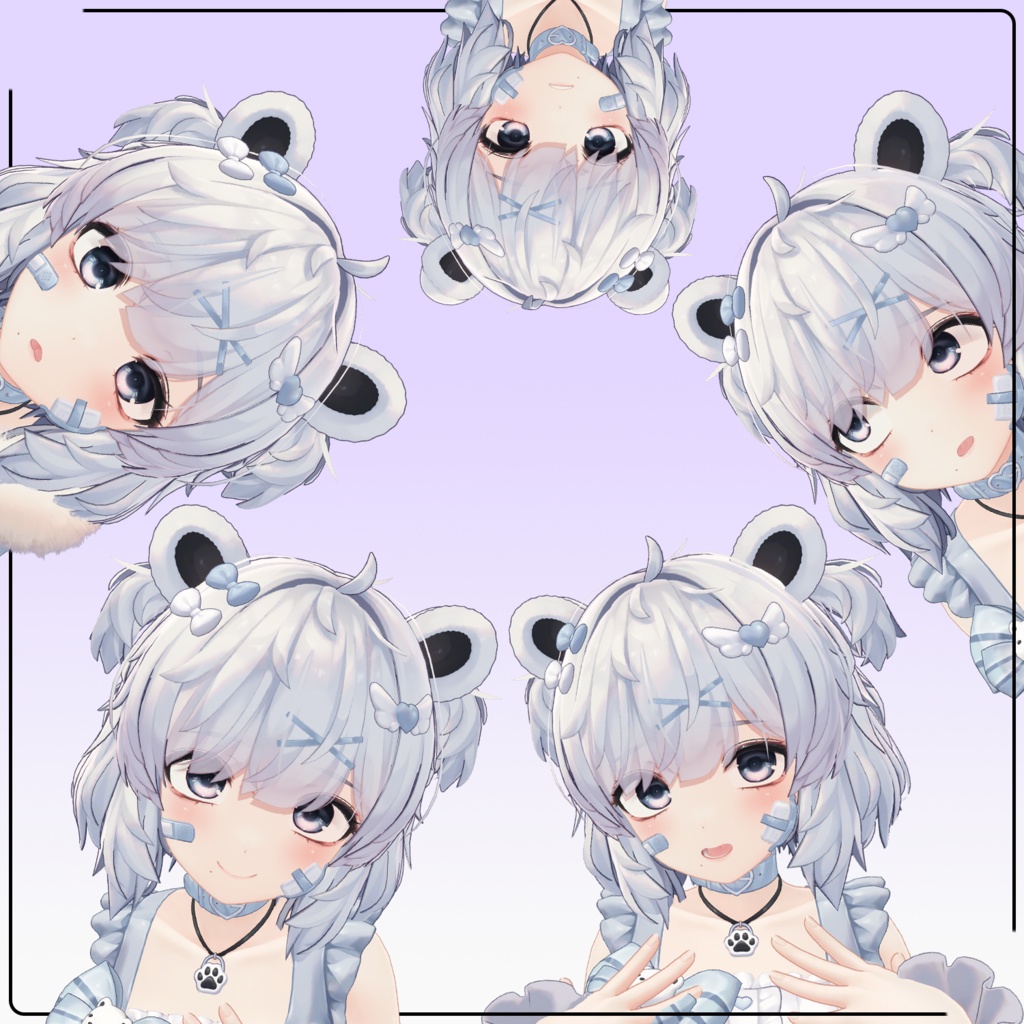
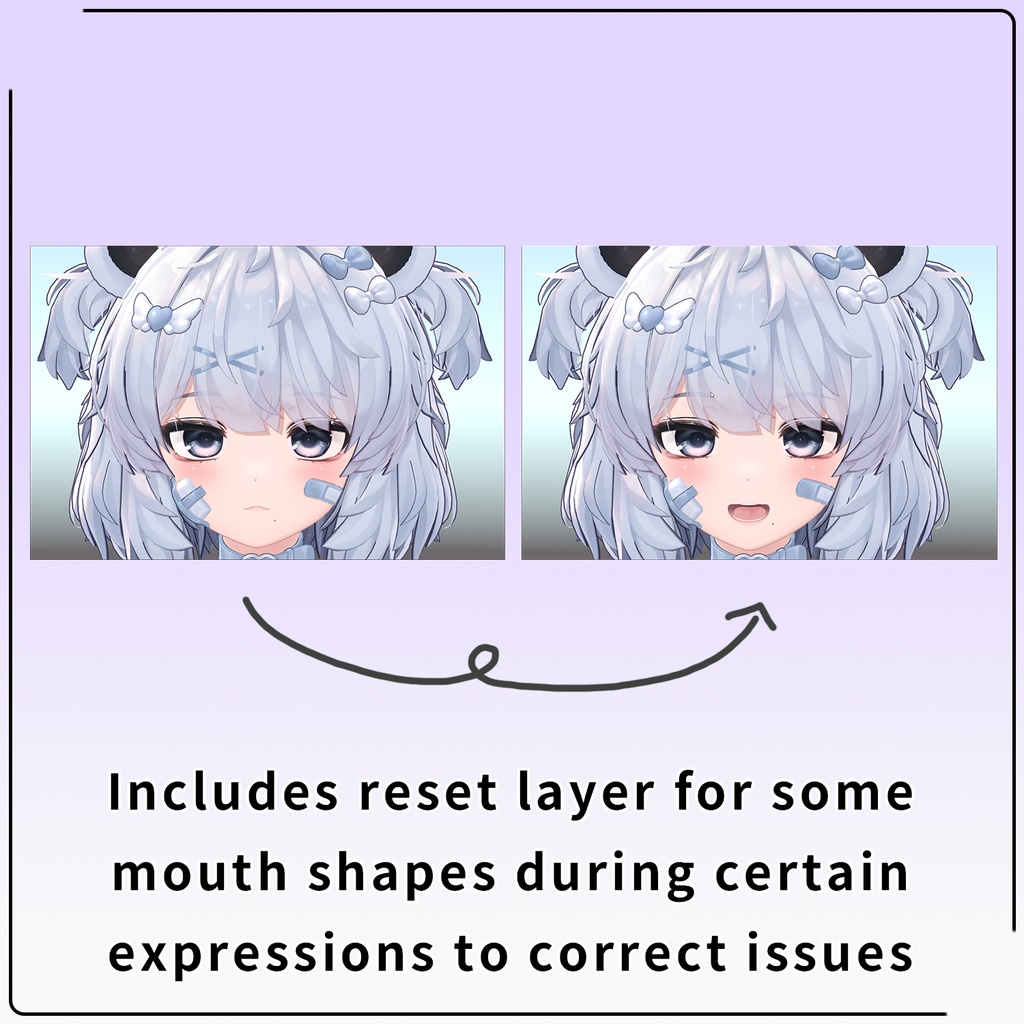
reduced price till 2/13: 1500 yen -> 1200 yen Modular Avatarを使用したクマリ(ver1.01)face trackingモジュール。VRCFaceTracking(VRCFT)ソフトウェアを使用して、様々なface tracking対応VRヘッドセットで動作します。ケモ耳、プルルン瞳のアニメーションもあります!(NOTE) ヘッドセットによってサポートする機能が異なります。Quest ProとiPhoneでのみテストしていました。サポートの問題についてはBoothかTwitterでメッセージしてください! VRCFT (5.0) Face Tracking module for Kumaly (ver1.01) using modular avatar. Works with various facial tracking VR headsets using VRCFaceTracking (VRCFT) software. It also comes with a lively blink animation, ear movements, modular avatar support, and a few expression activators~! (NOTE) Different headsets support different features. Only tested with Quest Pro and iPhone tracking. Message me on Booth or Twitter for support or issues. ((Kumaly not included (^. ̫ .^) *:・゚☆ )) Please buy here first: https://jingo1016.booth.pm/items/7928592
Prerequisites / 前提条件
【English】 - Kumaly (ver1.01)): https://jingo1016.booth.pm/items/7928592 - Modular avatar: https://modular-avatar.nadena.dev/ - Compatible device with face tracking - VRCFT: https://store.steampowered.com/app/3329480/VRCFaceTracking/ 【日本語】 - クマリ(ver1.01)): https://jingo1016.booth.pm/items/7928592 - Modular avatar: https://modular-avatar.nadena.dev/ - facial tracking対応VRヘッドセット - VRCFTソフトウェア: https://store.steampowered.com/app/3329480/VRCFaceTracking/
How to / 使用方法
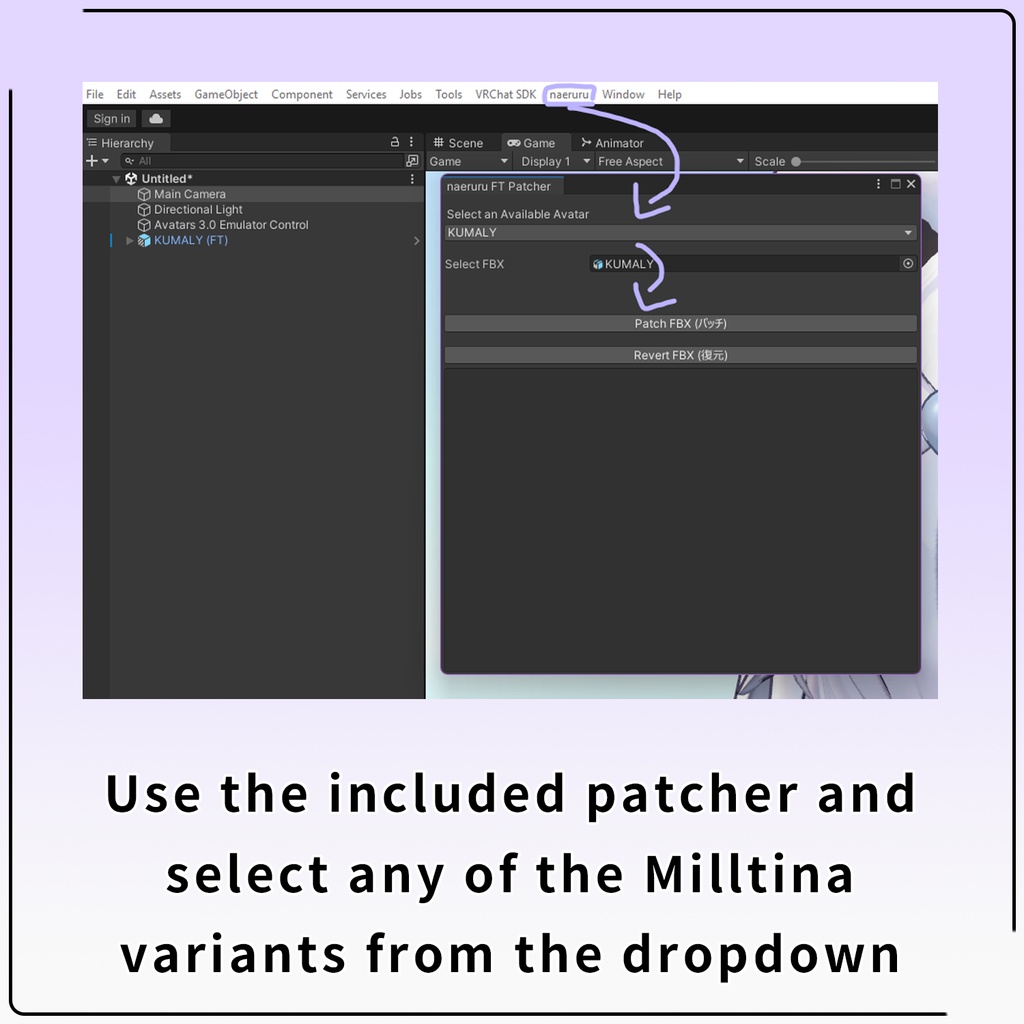
【English】 1. Make sure the original FBXs are untouched. 2. Click the "naeruru" tab at the top of Unity and choose "Face Tracking Patcher" 3. Choose any KUMALY variant from dropdown. FBX should prepopulate if fine. 4. Choose "Patch FBX." 5. If successful, you will see "patch completed successfully." 6. Use the provided **Modular Avatar** prefabs in Assets/naeruru/_prefabs/KUMALY. You can drag and drop the "FaceTracking (...)" prefabs in the Modular Avatar folder into any existing avatar too! "Full" includes Tongue movements for supported headsets. 【日本語】 1. オリジナルFBXは正しい位置になければなりません。 2. Unity上部の "naeruru"タブをクリックし、"Face Tracking Patcher "を選択します。 3. いろいろなKUMALYのオプションを選択します(元のFBXがあれば、あらかじめ入力されているはずです)。 4. "Patch FBX"を選択する。 5. サクセスすれば、"patch completed successfully "と表示されます。 6. Assets/naeruru/_prefabs/KUMALYにあるModular AvatarのPrefabを使用します。また、「FaceTracking (・・・)」のPrefabも既存のアバターにドラッグ&ドロップできます。「Full」には、サポート対象のヘッドセットにおける完全な舌の動きが含まれます。
What's Included / 入れてるもの
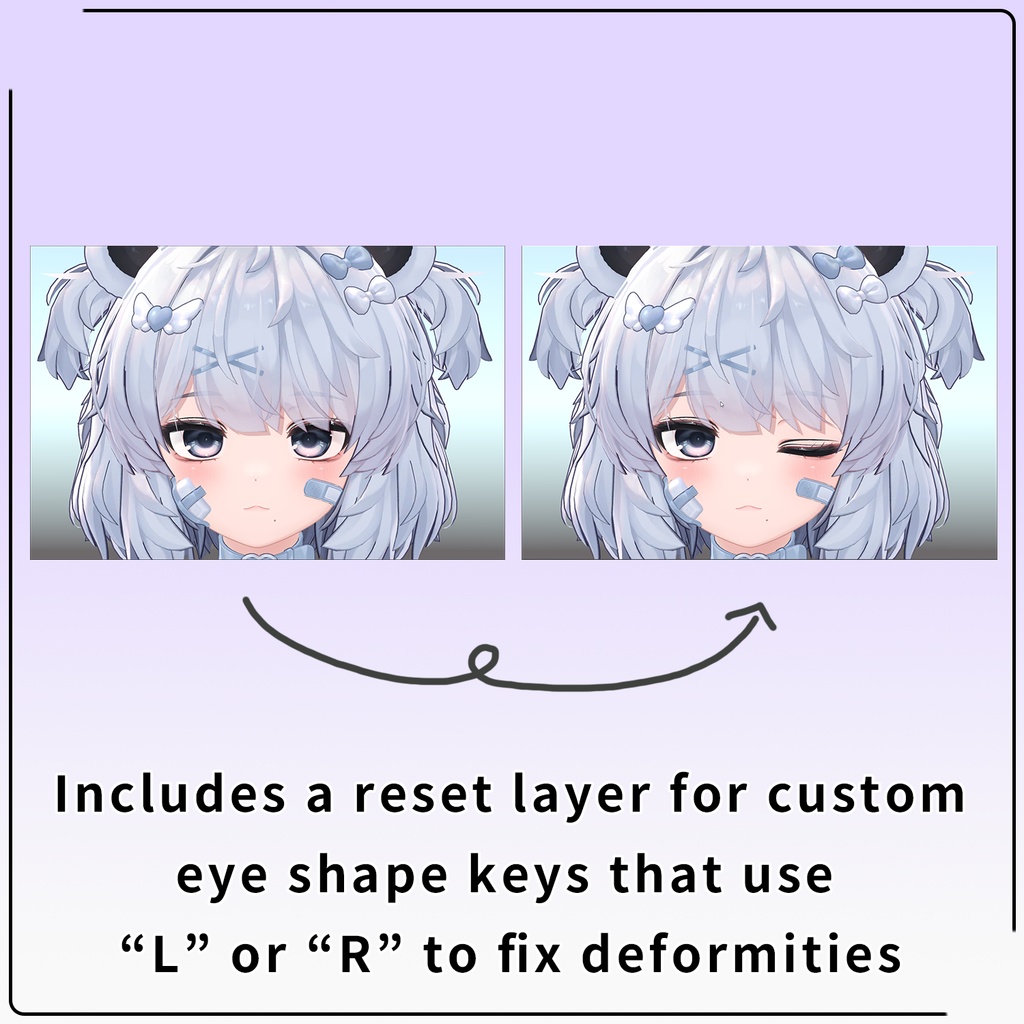
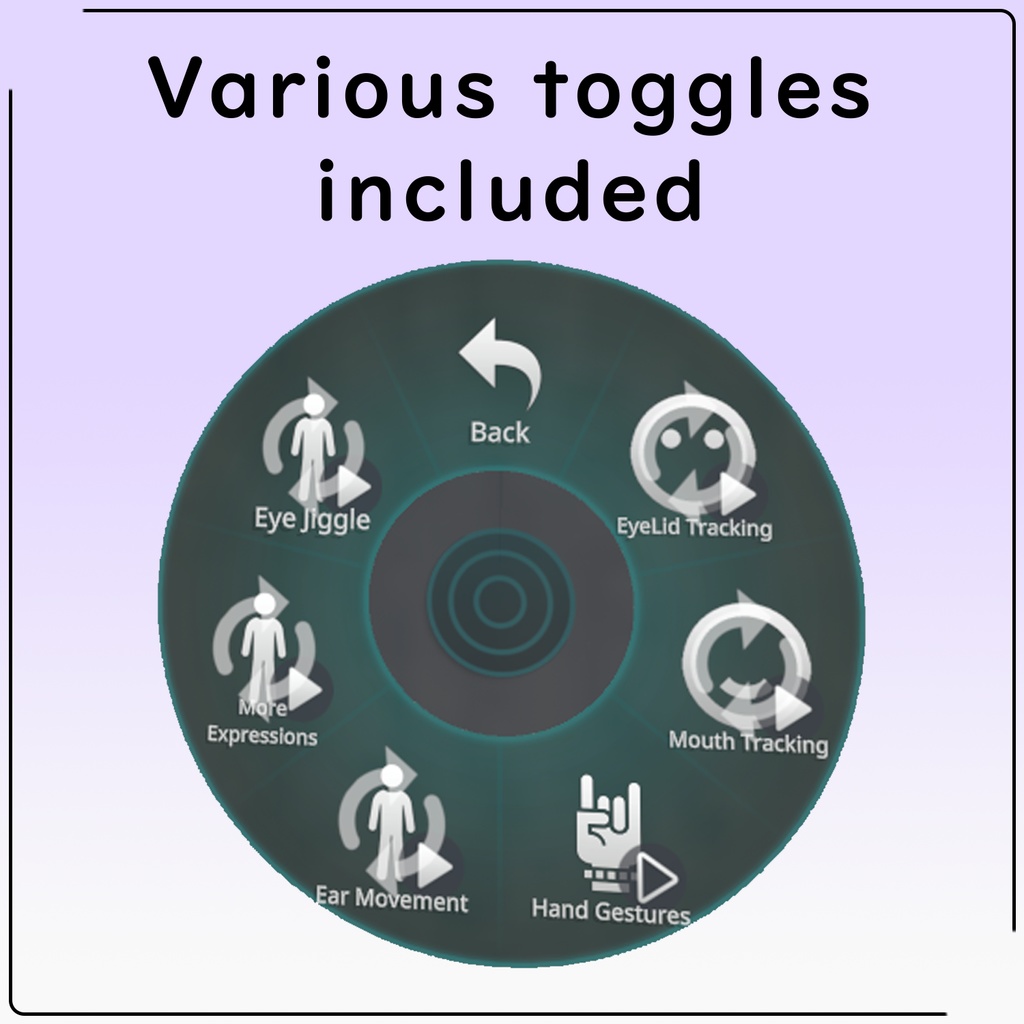
- Full Face Tracking setup for Kumaly and Kumaly Kisekae prefabs that work with VRChat and includes all shape keys for ARKit integration - プルルン瞳 ("Live2d" style blink animation) - Expression activated ear and ahoge movements - extra expressions toggle (adds guruguru to lip suck, sad eyebrows on frown, etc) - modular avatar support - gesture toggle - ear/tail movement toggle - eyelid toggle - mouth tracking toggle Tracked VRChat Expressions: - EyeLeftX/Y - EyeRightX/Y - EyeLidRight/Left - EyeSquintRight/Left - BrowExpressionRight/Left - BrowPinchRight/Left - MouthUpperUp - MouthLowererDown - MouthClosed - MouthTightener - MouthStretch - MouthRaiser - LipPucker - LipFunnel - LipSuckUpper/Lower - SmileFrown - JawOpen - JawX - MouthX - NoseSneerLeft/Right - CheekPuff - TongueOut - TongueX/Y (using "Full" prefab only)
Updates
Whenever updating, be sure to UNPATCH and PATCH the FBXs before reuploading (step 2-4 in "How to") ※ 2/06/2026: v1.00: - first release!
Credits / 謝辞
- モデル: https://ponderogen.booth.pm/items/6106863 - VRCFT: https://github.com/benaclejames/VRCFaceTracking - OSCmooth: https://github.com/regzo2/OSCmooth - hdiff patcher: https://github.com/sisong/HDiffPatch - modular avatar: https://modular-avatar.nadena.dev/ - song in video:
FAQ
- If I dont reply on Twitter, I probably didn't see it because twitter sucks. Try again on Booth! - If patching the FBX fails, make sure you are on the correct release version stated on the how to section. if that still doesnt work, in some very rare cases the project gets corrupted, try patching in a new unity project.